
Outrigger on soft ground
One pad starts to sink as the load comes up. The operator must catch it and land the load before the crane goes.
Slewing mobile, non-slewing and crawler cranes, modelled to their load charts. Operators plan the set-up, read the ground and work the lifts that tip cranes over.
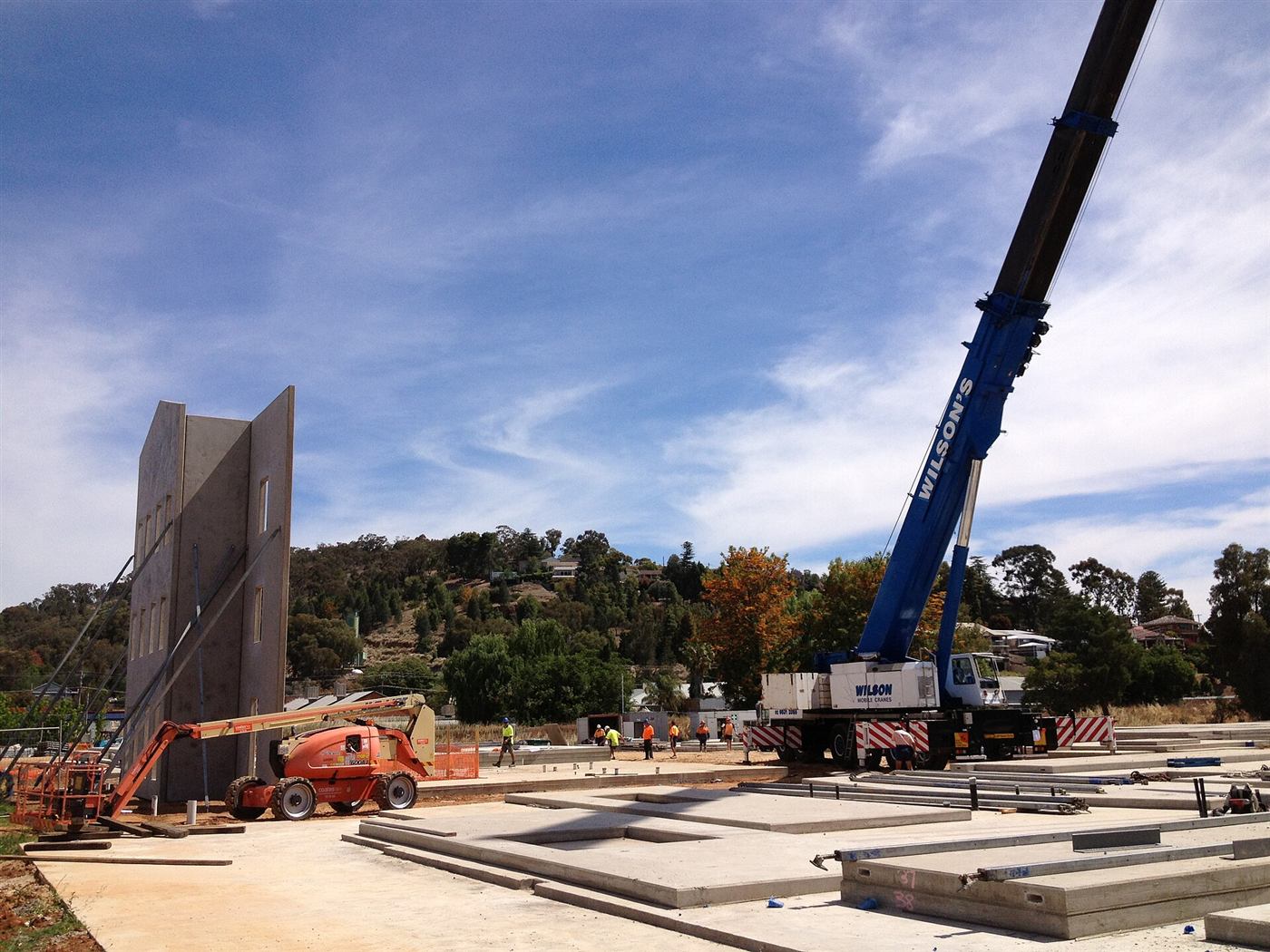
Mobile crane simulator training puts operators in a virtual mobile or crawler crane set up to its real load chart and outrigger configuration. They plan the lift, set outriggers on mats, read the ground and work through lifts near capacity, so the errors that tip cranes over are made and corrected in the simulator.
Most mobile crane incidents are decided before the load leaves the ground: the wrong configuration, an outrigger on soft fill, a radius that grows during the slew.
The simulator lets operators set up, get it wrong and see the result. Ground that gives way, a load chart misread by one row, a radius that creeps past capacity: each one is shown, scored and replayed.
Examples only. We rebuild each one around your site, equipment and procedures.
One pad starts to sink as the load comes up. The operator must catch it and land the load before the crane goes.
Choose boom length, radius and counterweight, then see what changes when any one of them does.
Travel with a suspended load over uneven ground, staying inside the chart for the slope.
Every session can be scored against your own checklist and exported to your LMS or as PDF.
In Australia, slewing mobile cranes need a C2, C6, C1 or C0 licence depending on capacity, and non-slewing mobile cranes over 3 tonnes need a CN licence. We build each crane to the class your operators hold or are working toward.
The same mobile & crawler crane scenarios can run on different hardware. We recommend a format in scoping, and many projects use more than one. Each links to the service that builds it.
A seat with mobile or crawler crane controls, outrigger set-up and the LMI.
OEM-style controls · Instructor consoleReplica cabs & seat rigs Motion platformWorks wellFeel the crane go light on an outrigger before it tips.
3- or 6-axis platformMotion platforms VR headsetWorks wellWalk the set-up at full scale: ground, mats, outriggers and the lift path.
Standalone headset · Works offlineVR training apps Desktop simulatorWorks wellLift planning on a laptop: radius, boom length and capacity, changed one at a time.
PC or laptop · Desk-mounted controlsDesktop & portable simulators Web & mobile 3DAlso possibleLoad-chart reading and set-up checks as a browser module.
Any browser · SCORM / xAPIDesktop & web 3D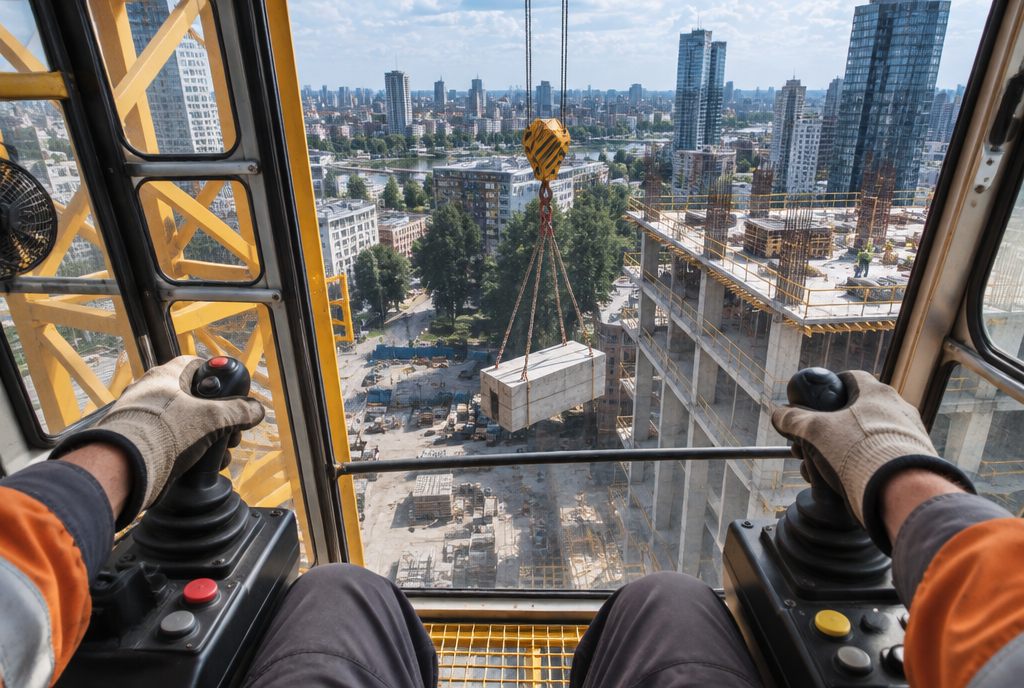
Blind lifts on radio calls, wind and tight slews, modelled to your crane's load chart.
See the example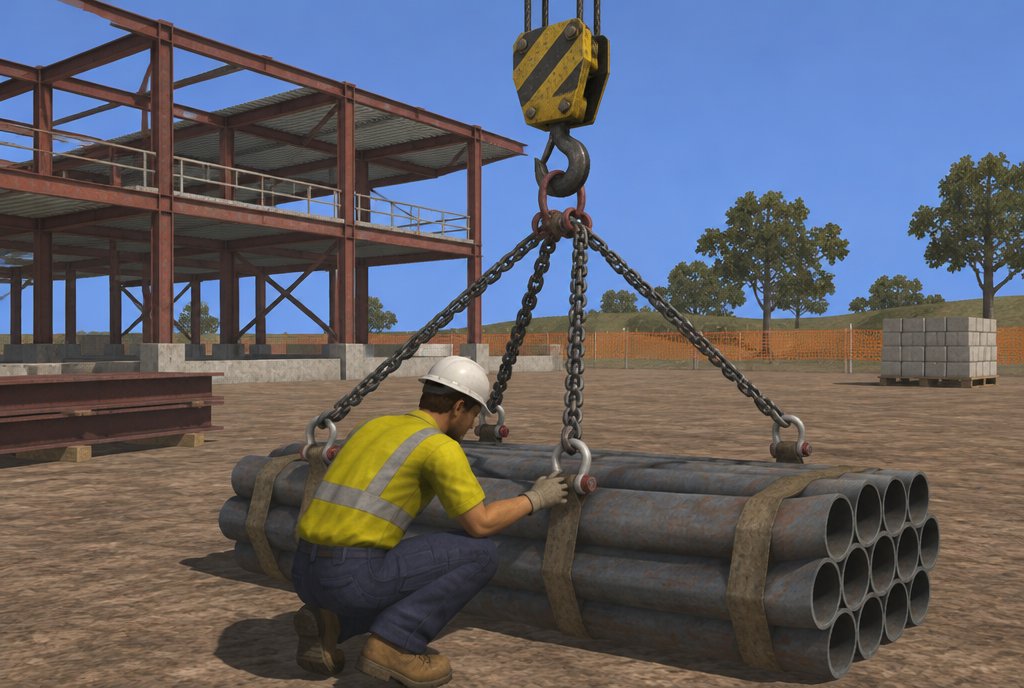
Load estimation, sling choice and the radio calls that guide a blind lift.
See the example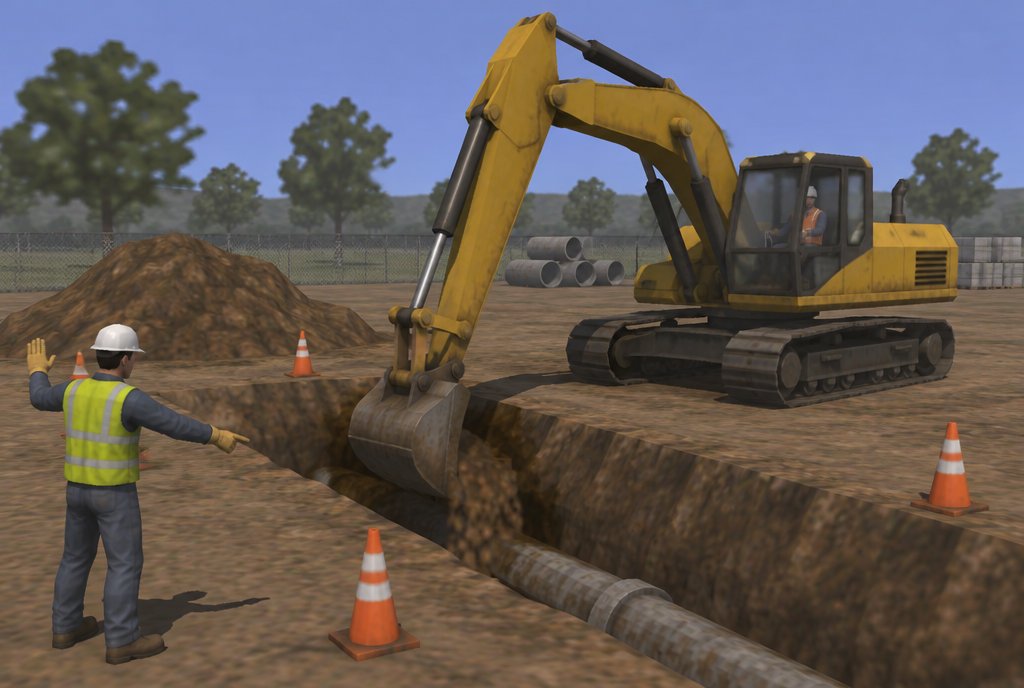
Buried services, swing zones with spotters and trench edges.
See the example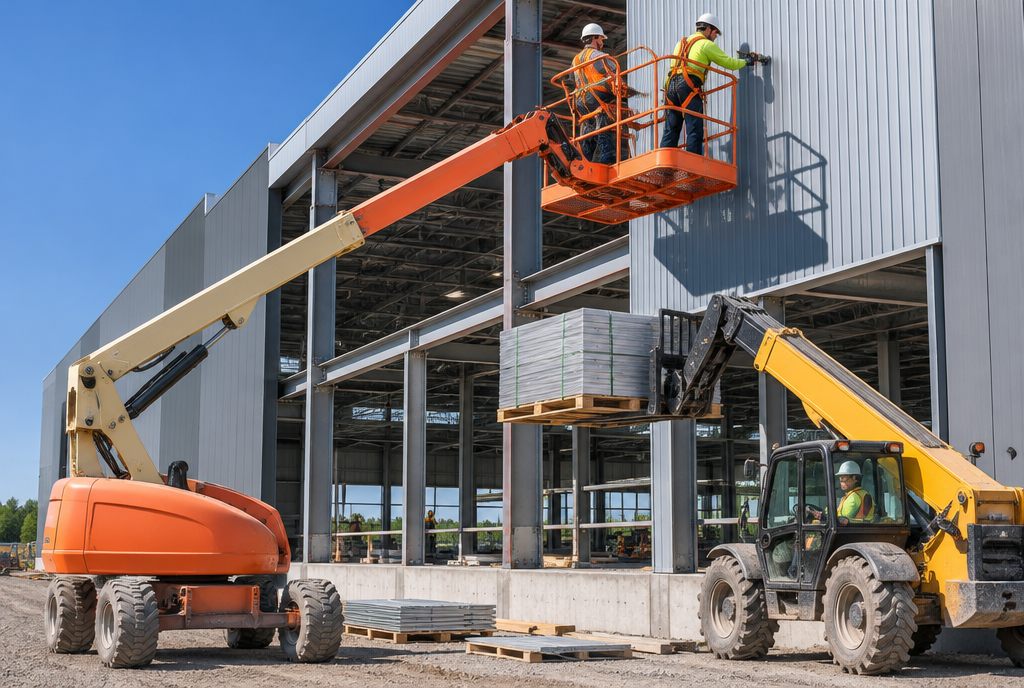
Overhead crush hazards, slopes and outriggers, and power lines.
See the example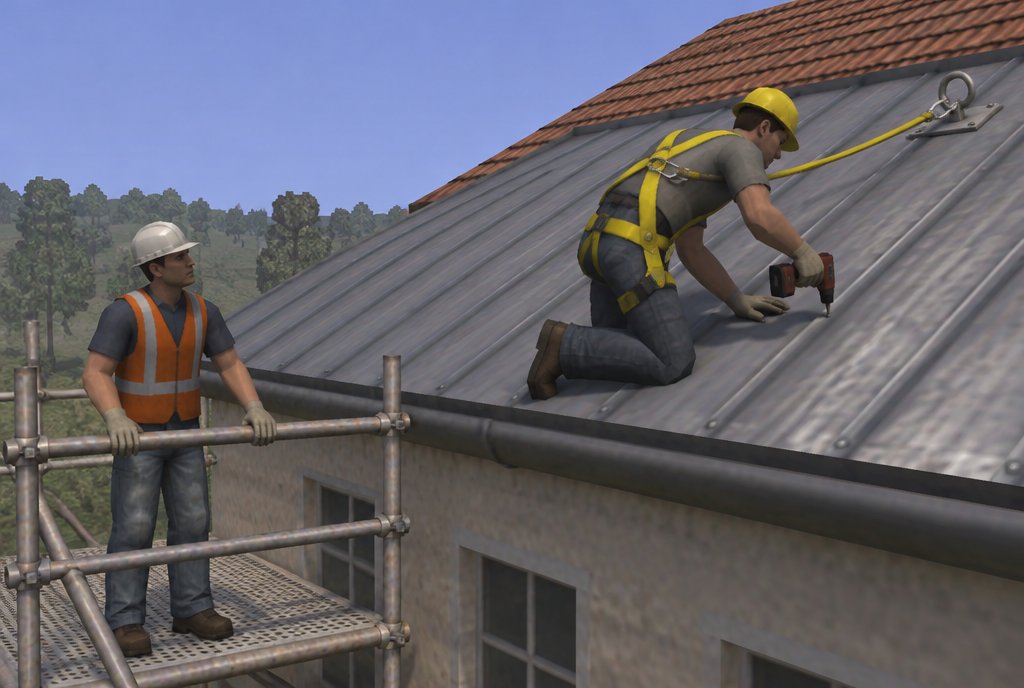
Harness checks, anchor points, unprotected edges and rescue.
See the example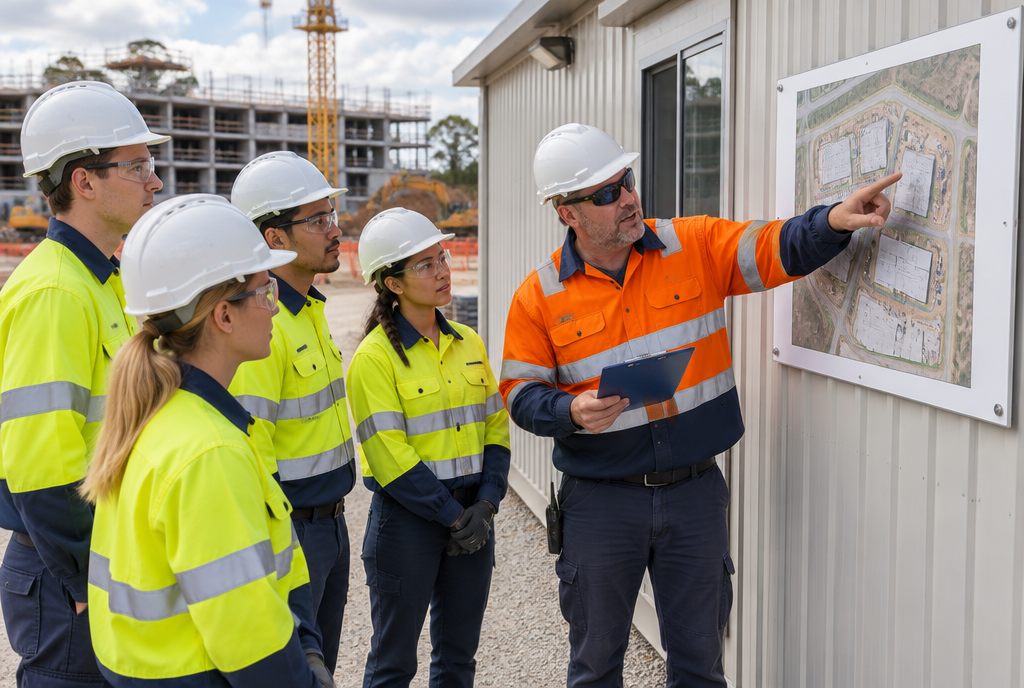
Walk your site before day one and find the hazards where they really are.
See the exampleA first call about what your people face, then an outline of the scenarios, the format and the scoring we would build.
Start a projectMobile crane simulator training puts operators in a virtual mobile or crawler crane set up to its real load chart and outrigger configuration. They plan the lift, set outriggers on mats, read the ground and work through lifts near capacity, so the errors that tip cranes over are made and corrected in the simulator.
Slewing all-terrain and city cranes, non-slewing pick-and-carry cranes and crawler cranes, each set to the load chart and controls of the model you run.
Yes. Planners can build a lift in the simulator, run it, and check the radius and capacity margins before the crane arrives on site.
Yes. Overloads and ground failures play out in full, then replay from any angle so the crew can see where it started.