
Desktop and portable training simulators
The scenario from the full simulator, on a desk: joysticks, a wheel and pedals or a drone controller clamped to a table in front of a screen. Easy to move, cheap to copy to every site.
- Part of
- Simulators & physical rigs
- Off the shelf
- Nothing
- Starts with
- Scoping
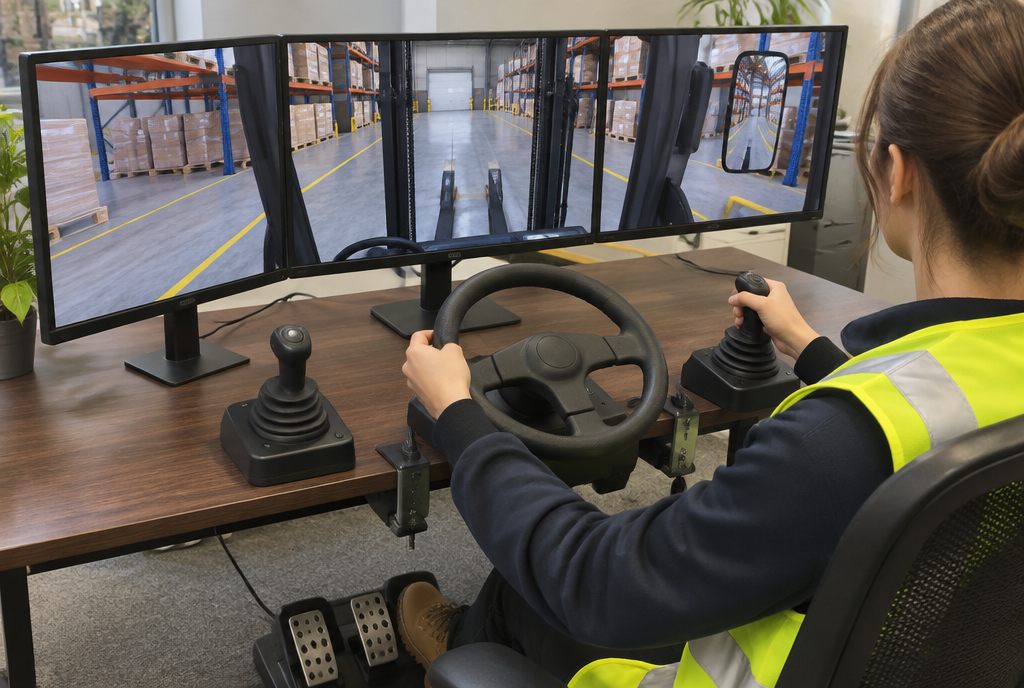
What is a desktop training simulator?
A desktop training simulator runs a machine scenario on a PC or laptop with desk-mounted controls, such as a joystick pair, a steering wheel and pedals, or a drone radio controller. It uses the same virtual machine and site as a full simulator, so operators can practise controls and procedures widely and cheaply, then move to the full rig or real machine.
A replica cab is the best place to learn a machine, but most sites can't have one each. A desktop kit gives every site and every shift the same scenarios.
Built from the same software and scoring as the full simulator, results from desk and rig sit side by side in one record.
What’s included
Scoped to your project. Every part is built for your site, people and procedures.
- Desk-mounted controlsJoysticks, wheel and pedals or RC controllers, matched to the machine's layout where it matters.
- Same scenarios as the rigOne virtual machine and site, shared between desk and full simulator.
- Portable kitPacks into cases for training rooms, site offices and toolbox talks.
- Scoring and recordsEach session scored and sent to your LMS.
Where we build desktop simulator
Examples across our industries where this format is the best fit or works well. All industries
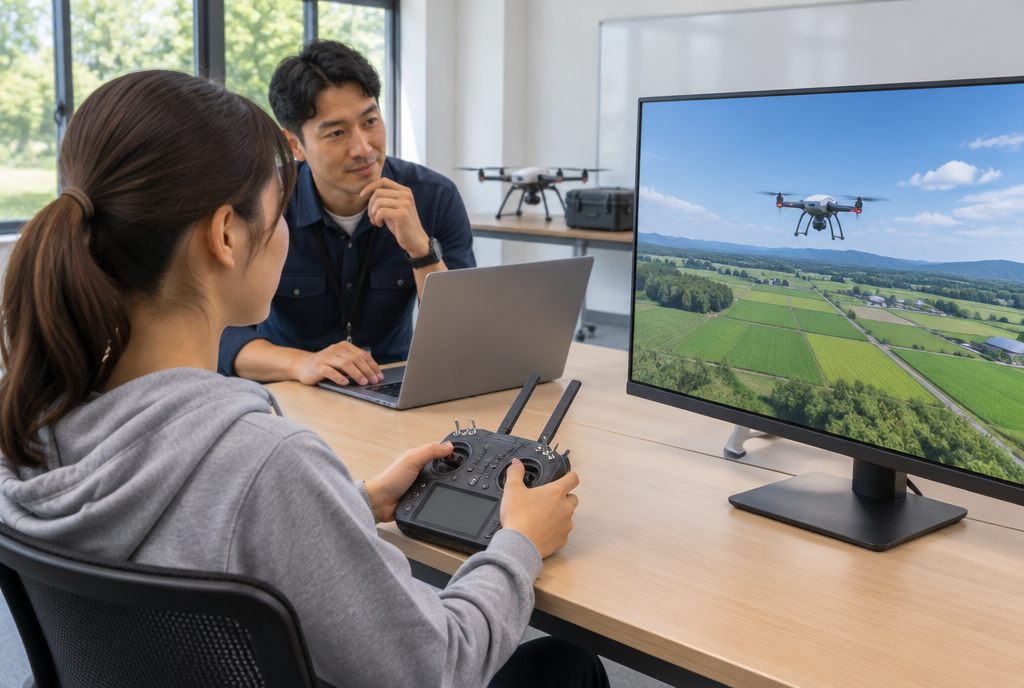
Flight fundamentals & emergencies
Manual flight without GPS, low battery in wind and lost link.
Energy & utilities · Best fit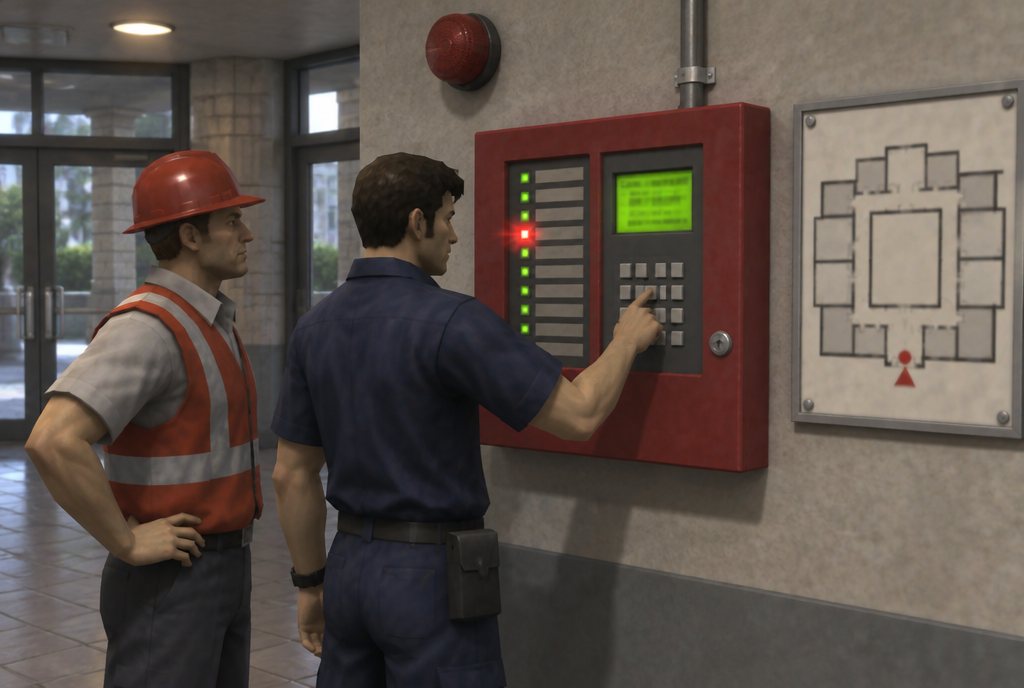
Fire alarm panel & fault-finding
Alarms by zone, isolations, faults and resets on a virtual copy of your panel.
Fire & emergency · Best fit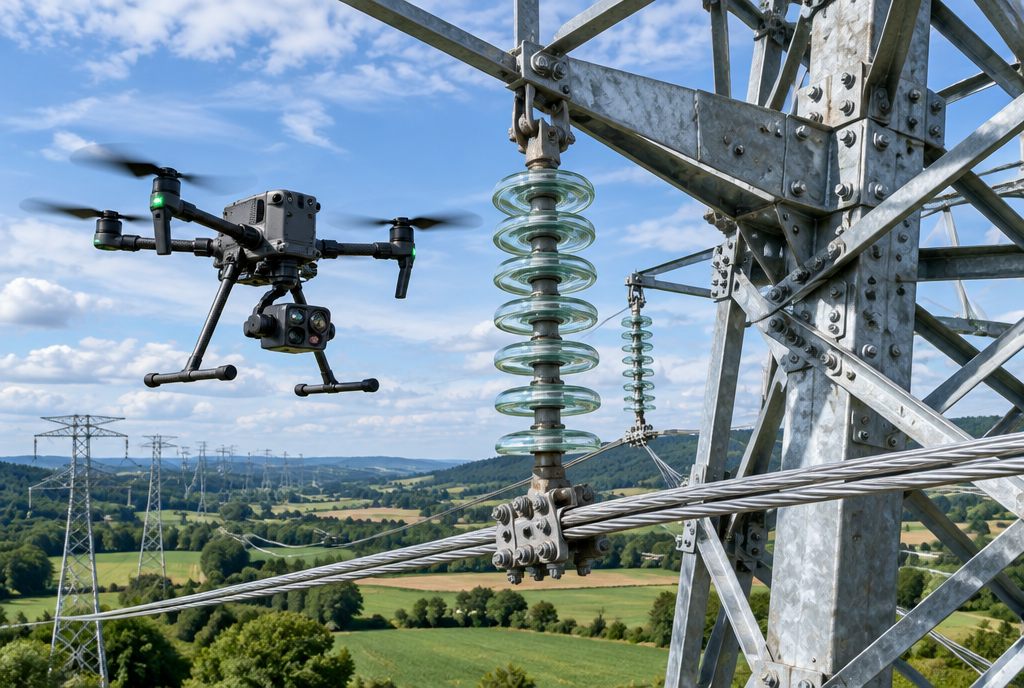
Power line & asset inspection
Lines, towers and bridges, with stand-off distances and complete data capture.
Energy & utilities · Best fit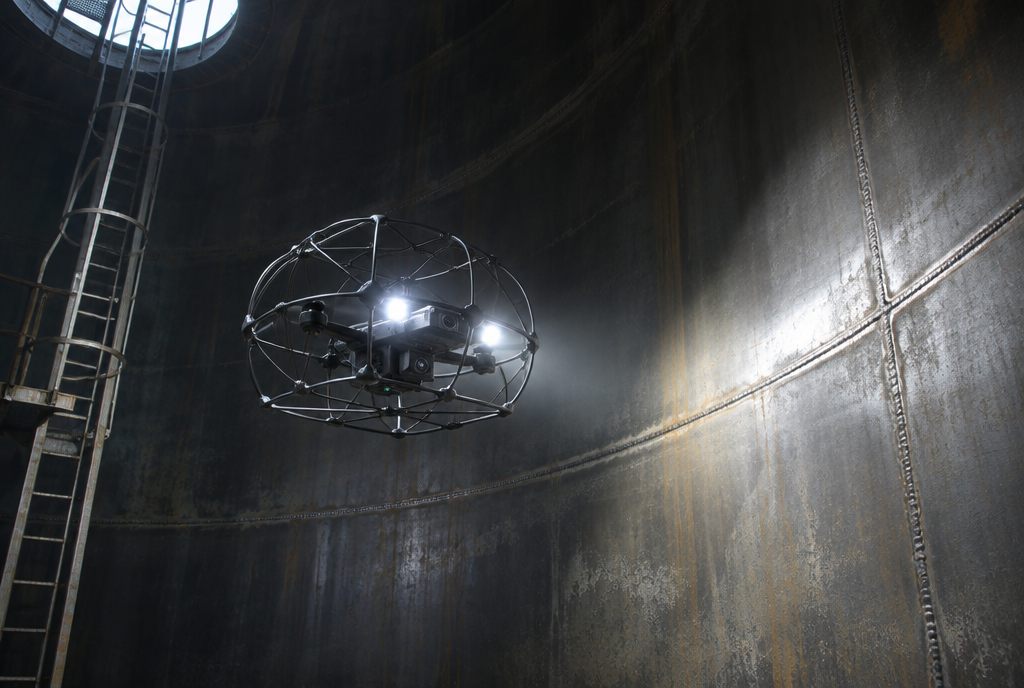
Confined-space & indoor flight
Tanks, boilers, stopes and tunnels with no GPS and little light.
Energy & utilities · Best fit
Port & container cranes
Ship-to-shore and yard gantry moves, wind holds and twistlock faults.
Logistics & manufacturing · Works well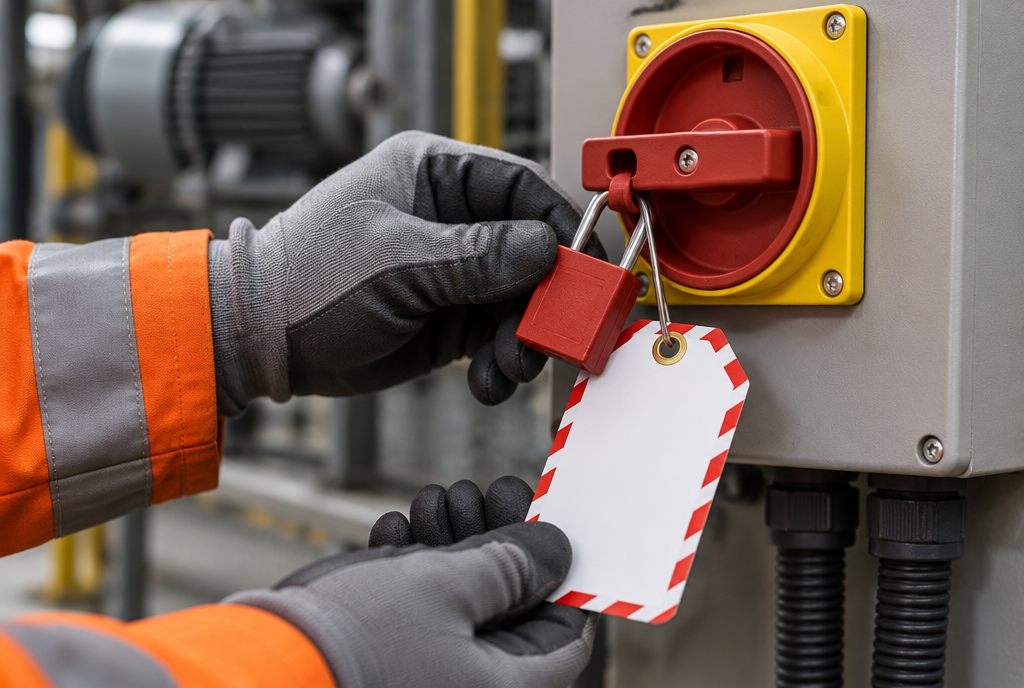
Isolation & lockout/tagout
Every energy source found, locked, tagged and tested for zero energy.
Logistics & manufacturing · Works well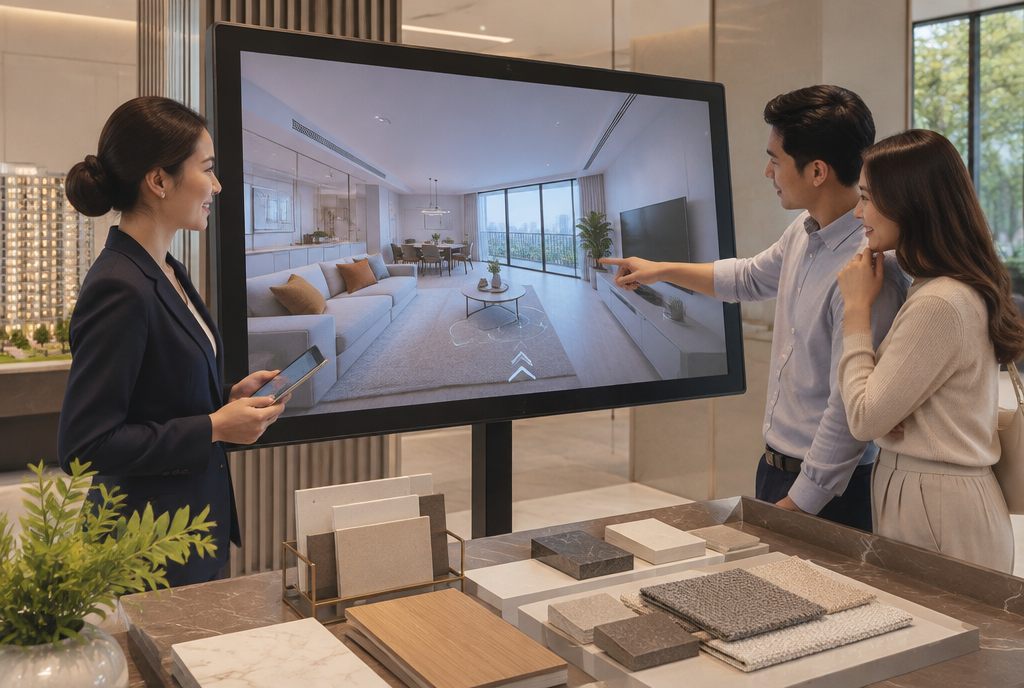
Off-the-plan walkthroughs
Walk an unbuilt apartment from the plans: web, VR or display suite.
Property & real estate · Works well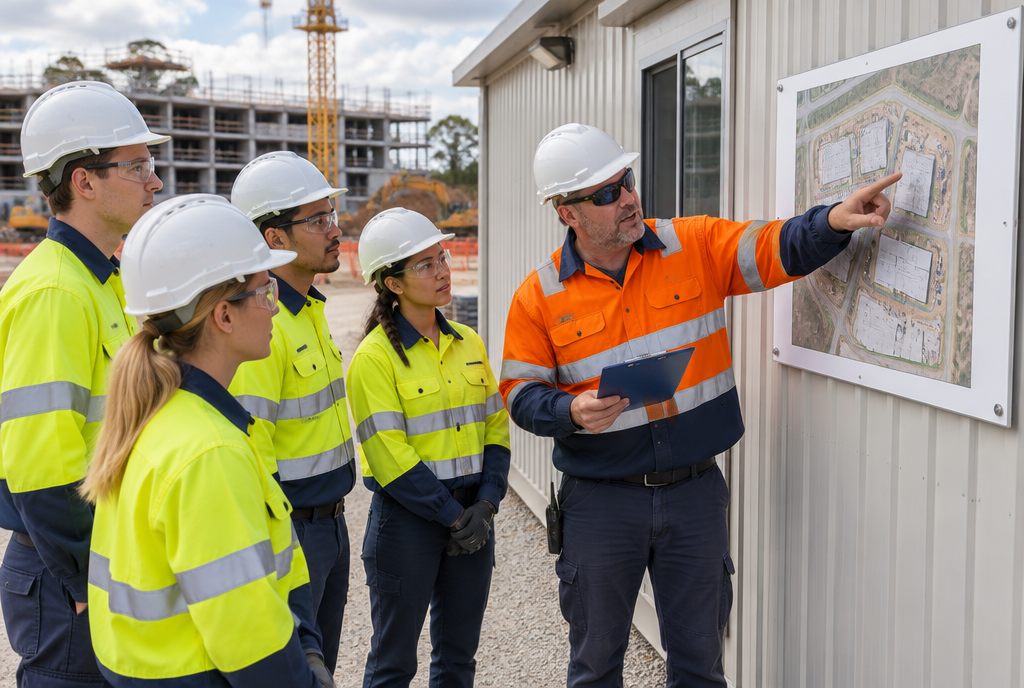
Site induction & hazard spotting
Walk your site before day one and find the hazards where they really are.
Construction · Works well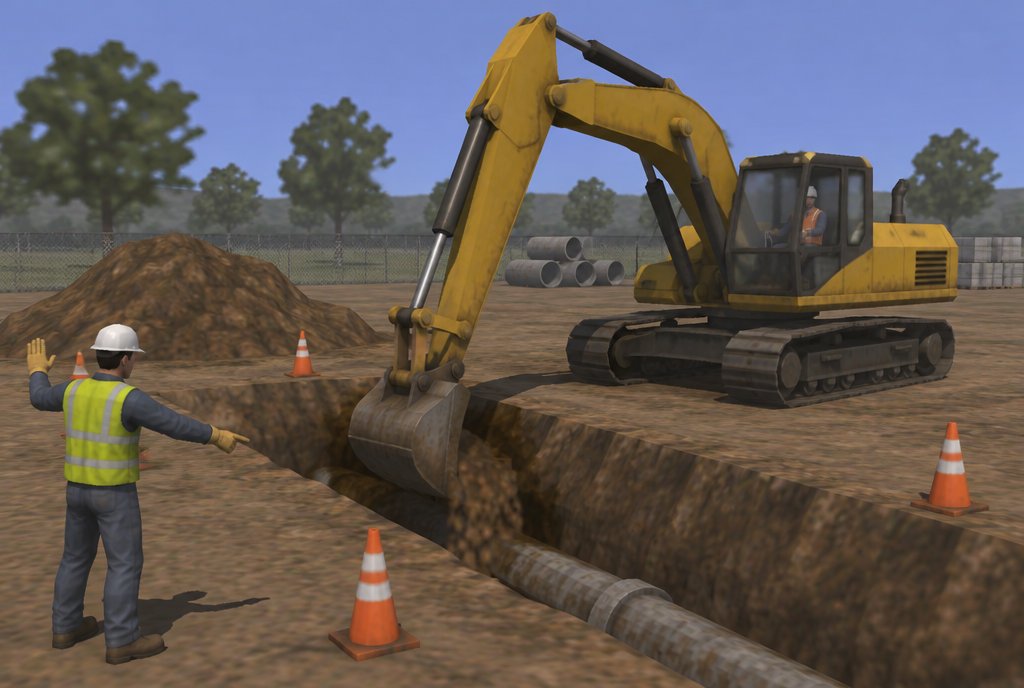
Excavator
Buried services, swing zones with spotters and trench edges.
Construction · Works wellMore in simulators & physical rigs
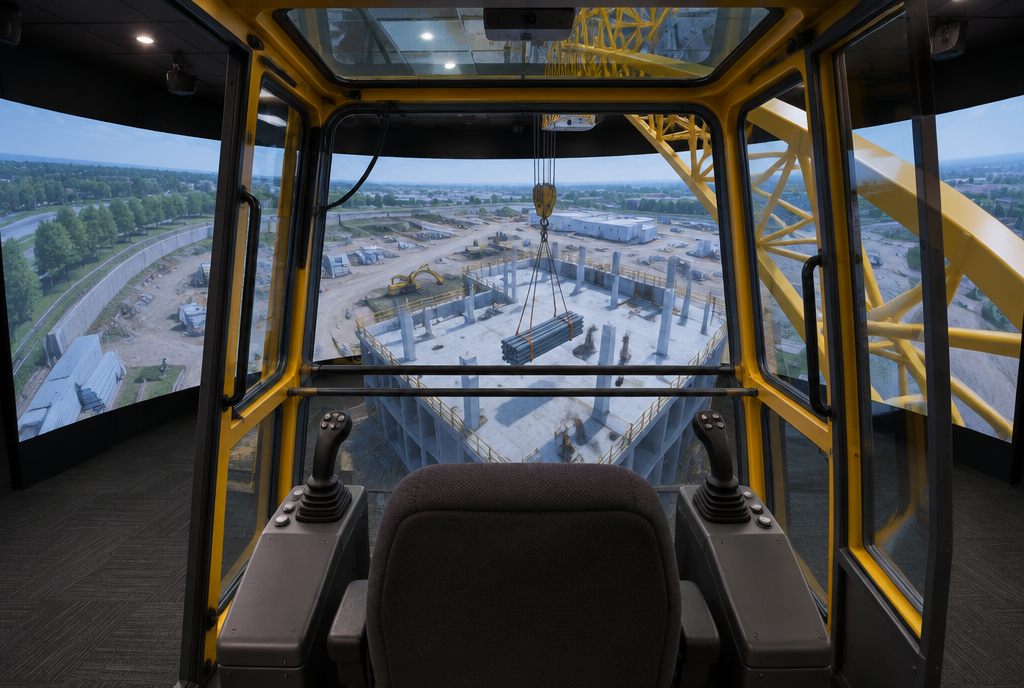
Replica cabs & seat rigs
Seat, console and controls laid out like the real cab.
Learn more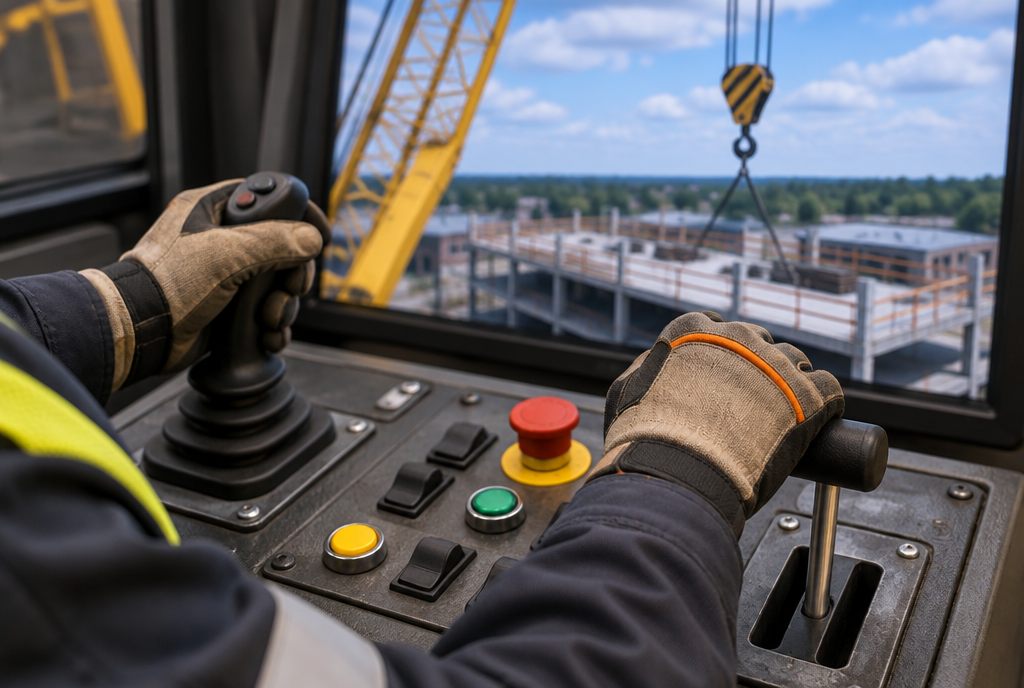
Joysticks, levers & steering
Industrial controls that swap between machines.
Learn more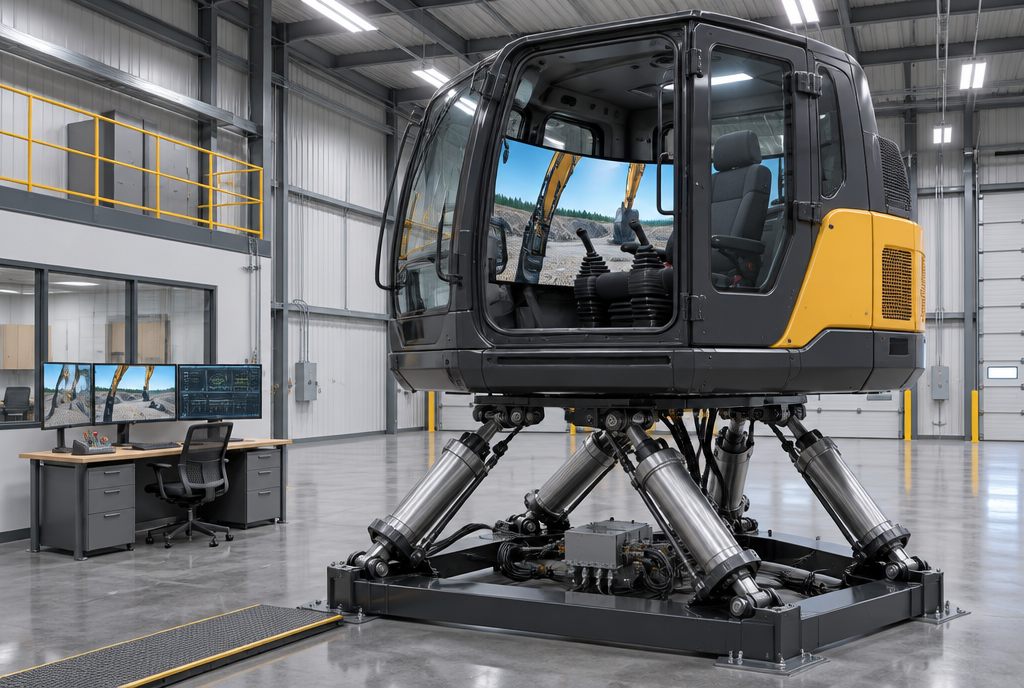
Motion platforms
Pitch, roll and jolt with the machine.
Learn more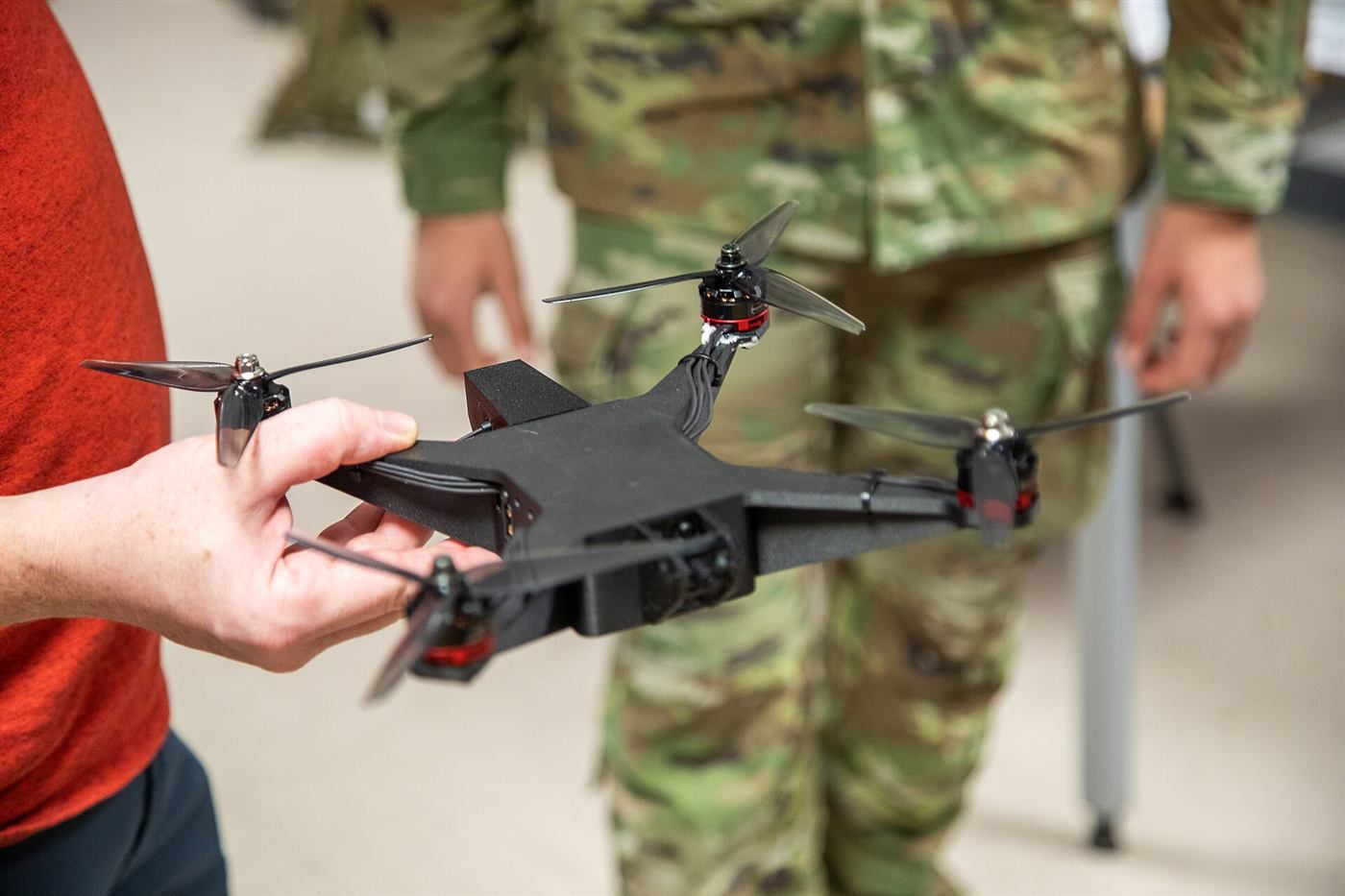
Custom hardware integration
Fire panels, drone controllers and site devices wired in.
Learn moreStart with a scoping call
A 30-minute call to understand the problem, then a first outline with a timeline and estimate.
Start a projectFrequently asked questions
What is a desktop training simulator?
A desktop training simulator runs a machine scenario on a PC or laptop with desk-mounted controls, such as a joystick pair, a steering wheel and pedals, or a drone radio controller. It uses the same virtual machine and site as a full simulator, so operators can practise controls and procedures widely and cheaply, then move to the full rig or real machine.
How does it compare with a full simulator?
It teaches controls, procedures and hazard decisions well. Seat feel, sight lines and motion need the full rig or real machine.
Can one desk kit train several machines?
Yes. Control sets swap in minutes, so one kit can cover an excavator, a loader and a forklift.
Can pilots use their own drone controller?
Yes. Most USB-capable radio controllers plug straight in.